Making Animations - Tutorials on Steemit | Car Moving animation
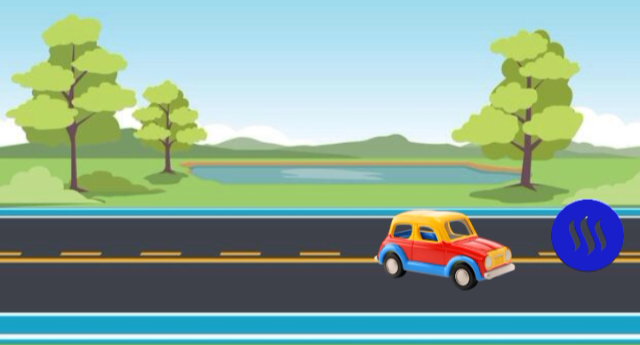
Good day to everyone on Steemit. For my first video, I was looking for a way to bring value to Steemit. Perhaps something that would be useful to people trying to get into animations and videl editing.
I have a question for you.
Have you ever wanted to animate a still image on your smartphone? Or figure out how they create some of the animations?
People use different tools for different animations but the simplest and most common is Capcut.
You don't need a large PC or high animation software to create animated effects in a video. If you're doing simple animations or just want to get better at editing video you can easily learn about keyframing as a simple way of making video moves.
In my tutorial video I am going to show you how to take a road background image and animate a car to drive across the screen using Capcut.
Keyframes allow you to specify an exact point in time and space for any object in an animation. So once you understand this keyframing trick, you will be able to animate a lot of different things with ease.
Don't forget that making videos is all about trying new techniques. You now see that through the use of keyframes you can bring some level of movement to all the objects in your video.
You can also animate your text, your characters or any graphic element you will be using for your upcoming projects using the exact same technique as demonstrated in the video above. After you watch the video, I would appreciate if you would comment below and let me know what you want me to animate next time or if you're interested in more if this.
Posted with Speem