Guide: How to vote on EOS network using Scatter and EOSPortal.io
Voting for block producers on the EOS network opened two days ago and as of now the total number of EOS tokens staked for voting reached 37.64% of the needed target (150M) to open the mainnet. There have been a lot of questions from EOS holder on the tools and steps that can be used to vote. In this guide we explain how to vote using Scatter and EOSPortal.io.
For this guide, you will need the following:
- Google Chrome
- The private key of your registered EOS address.
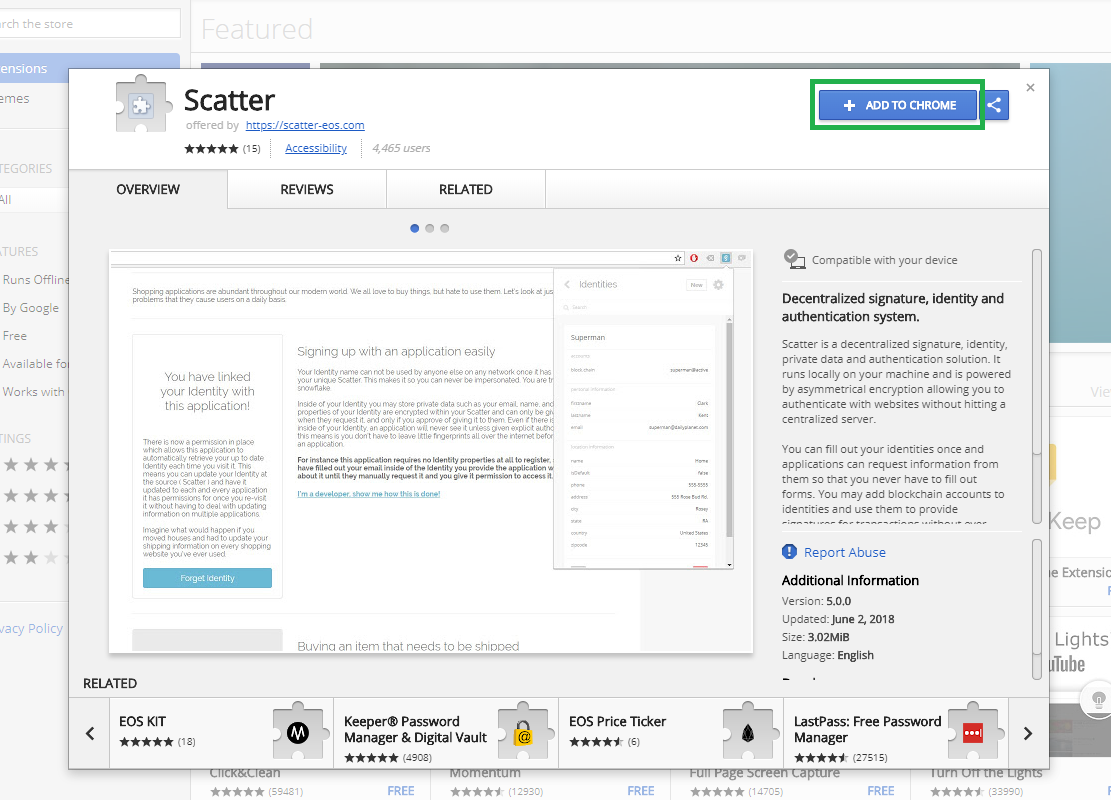
To start, go to Scatter website and click on Get Chrome Extension

Install the extension on chrome
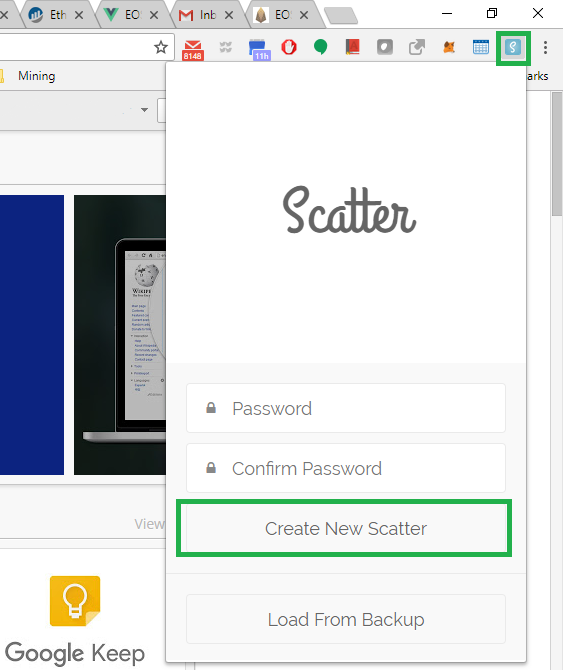
Open Scatter from the extensions bar and pick a strong password
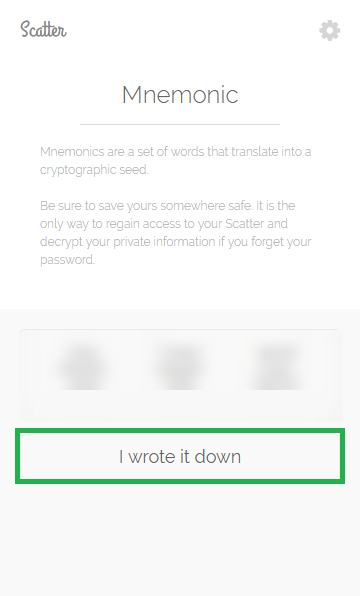
Save the Mnemonic words that show up and click I worte it down
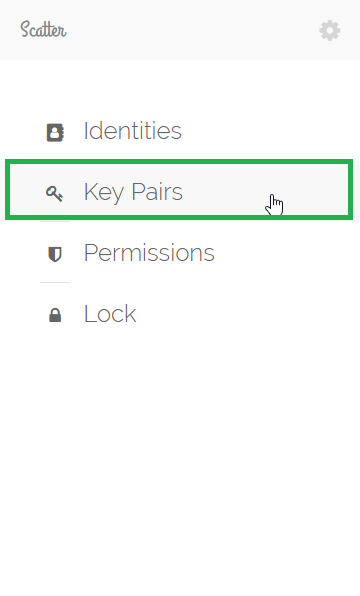
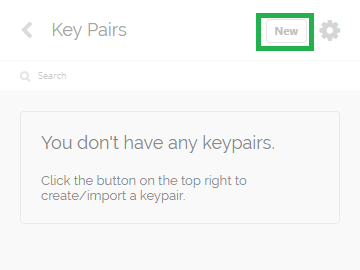
Click on Key Pairs
Click New
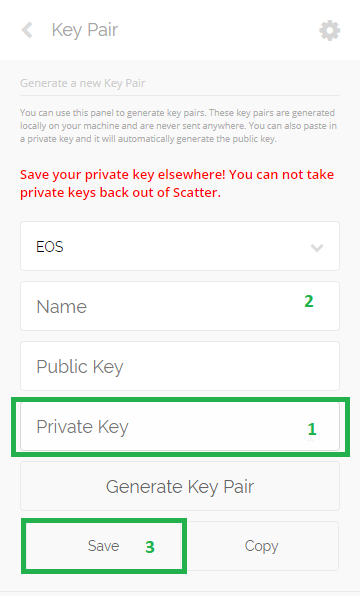
Fill the form in this sequence:
- Paste your EOS private key. The public key will show automatically
- Pick a name for your keys
- Click Save
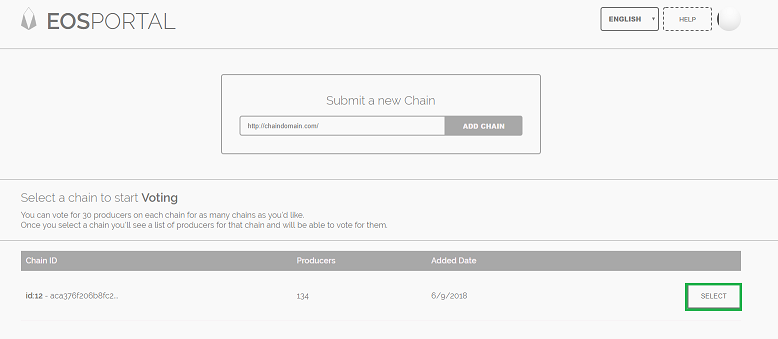
Now go to EOSPortal.io and click Select next to main chain.
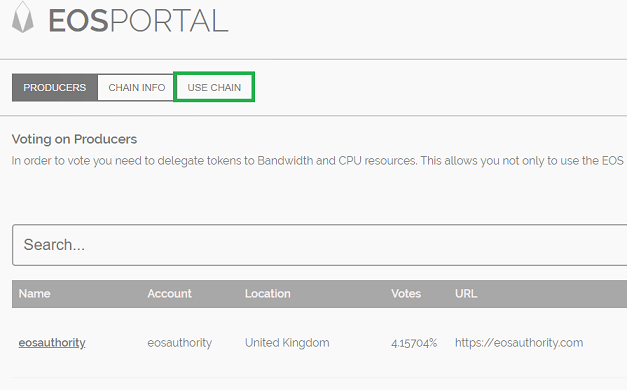
Click Use Chain
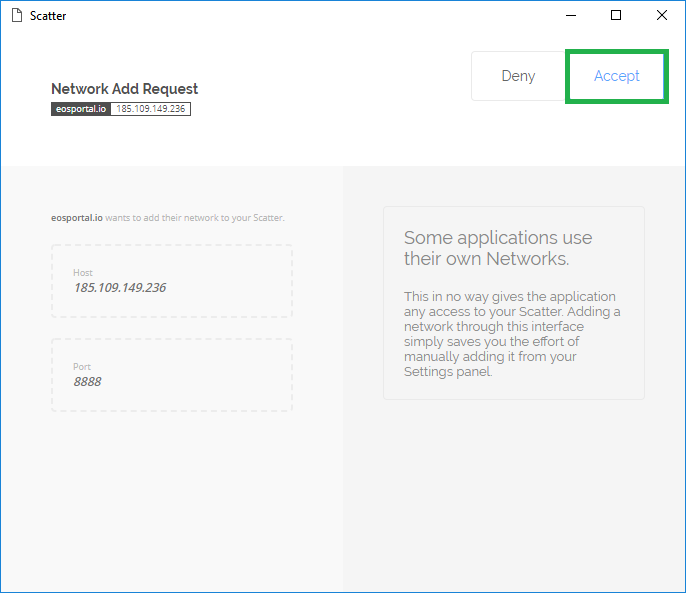
Click Accept
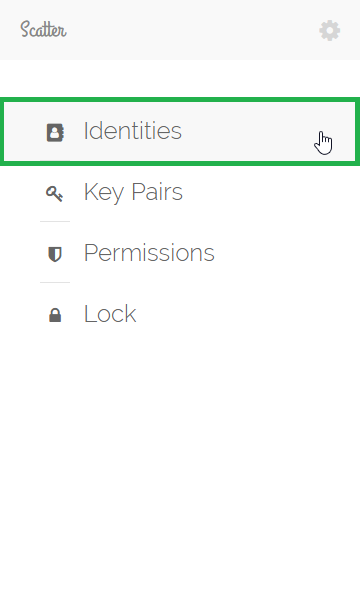
Open Scatter again and click Identities
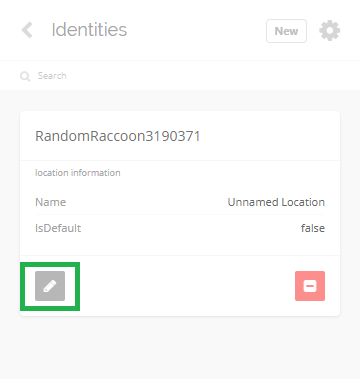
Then click the edit Icon
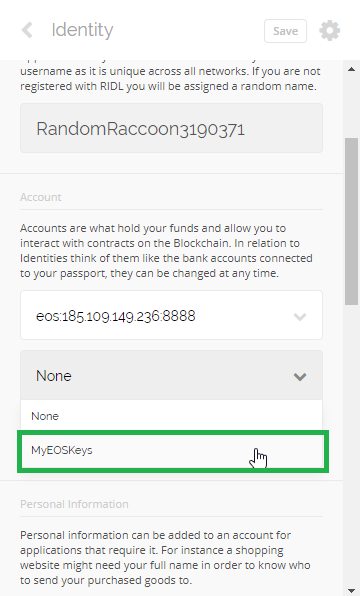
Open the drop down and select the name you choose for your Keys
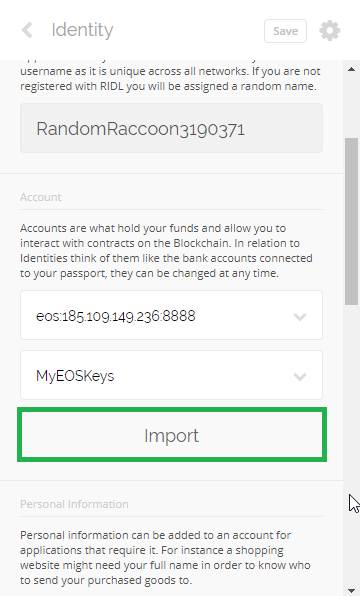
Click Import
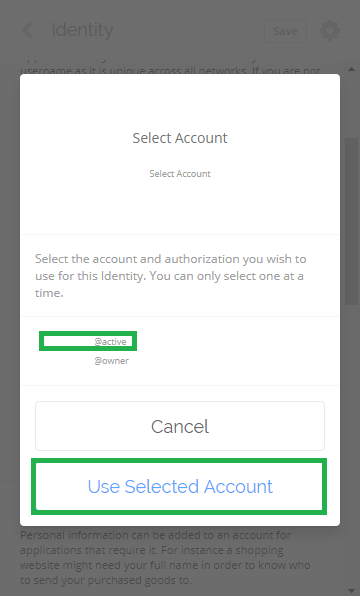
Click the account name that is followed by "@Active"
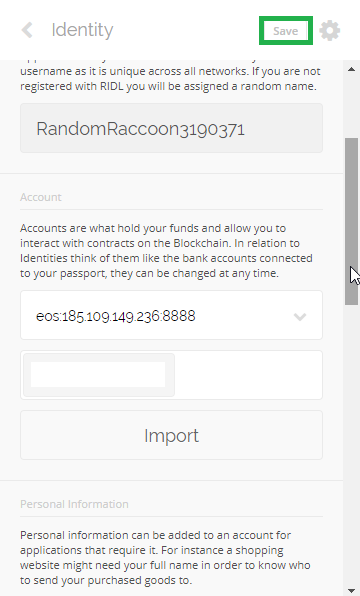
Click Save
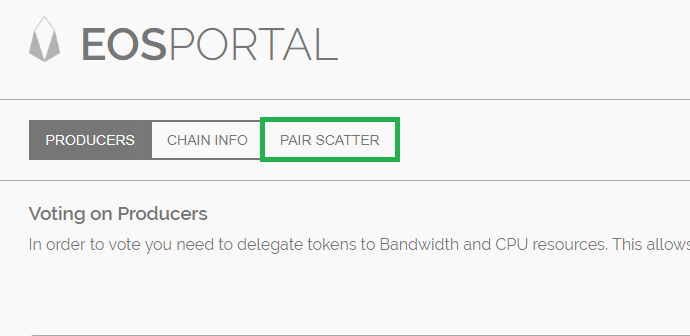
Now open EOSPortal then click on PAIR SCATTER
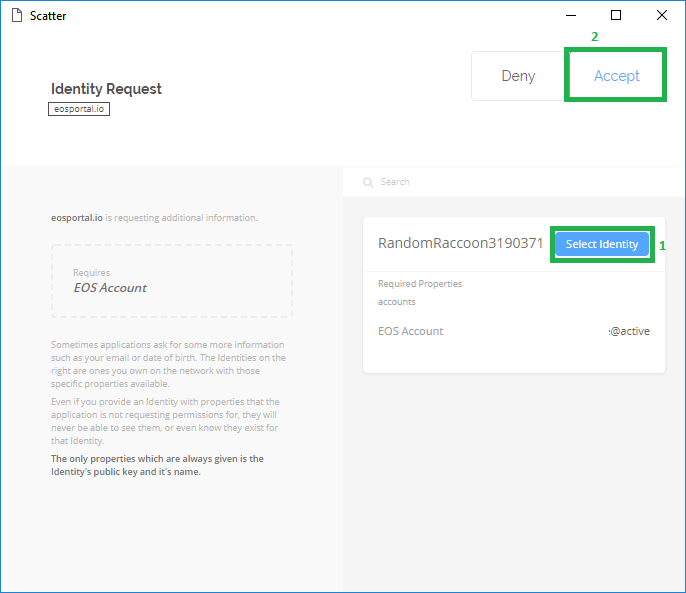
You will get a popup, click Select Identity, then Accept
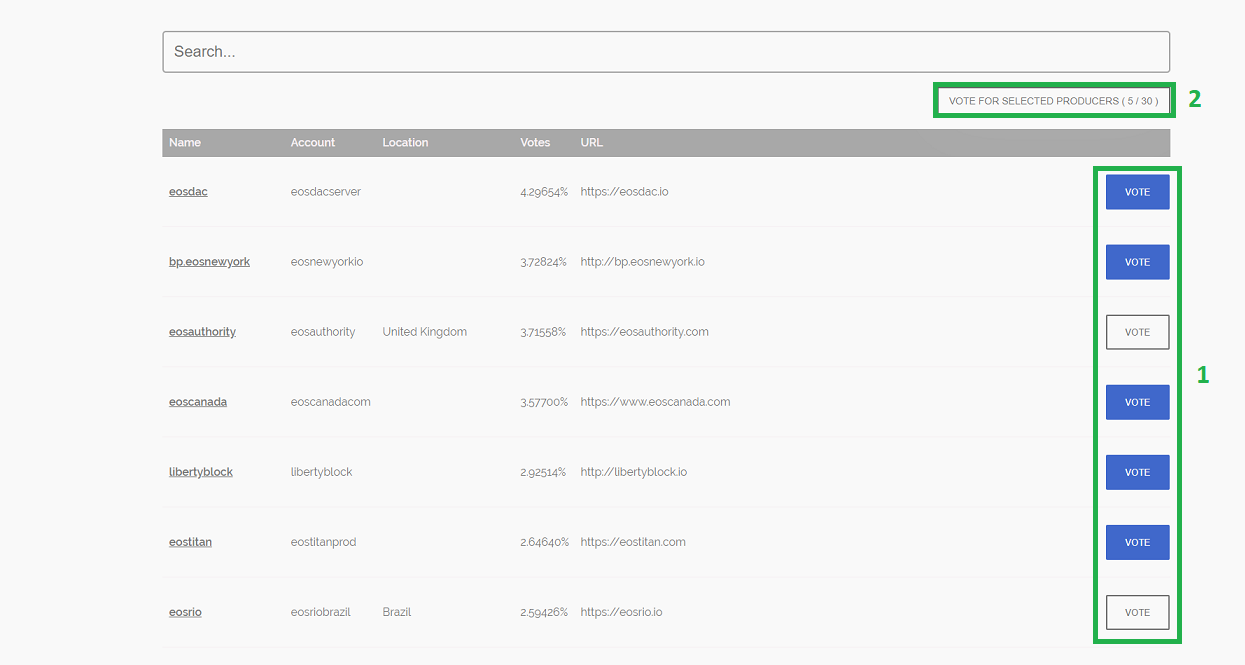
A Vote option will show up next to each block producer. Pick the ones you would like to vote for (up to 30). When done, click Vote for selected producers
That’s it, you just took part in shaping the future of the EOS ecosystem!
This guide was created by EOSArabia which is an EOS community and a block producer candidate aiming to serve the Arabic community. You can get more information about us through the below links: