Launch and Manage Exciting Contests on SteemHome | My First Experience Creating a Photography Challenge
بِسْمِ اللّٰهِ الرَّحْمٰنِ الرَّحِیْمِ
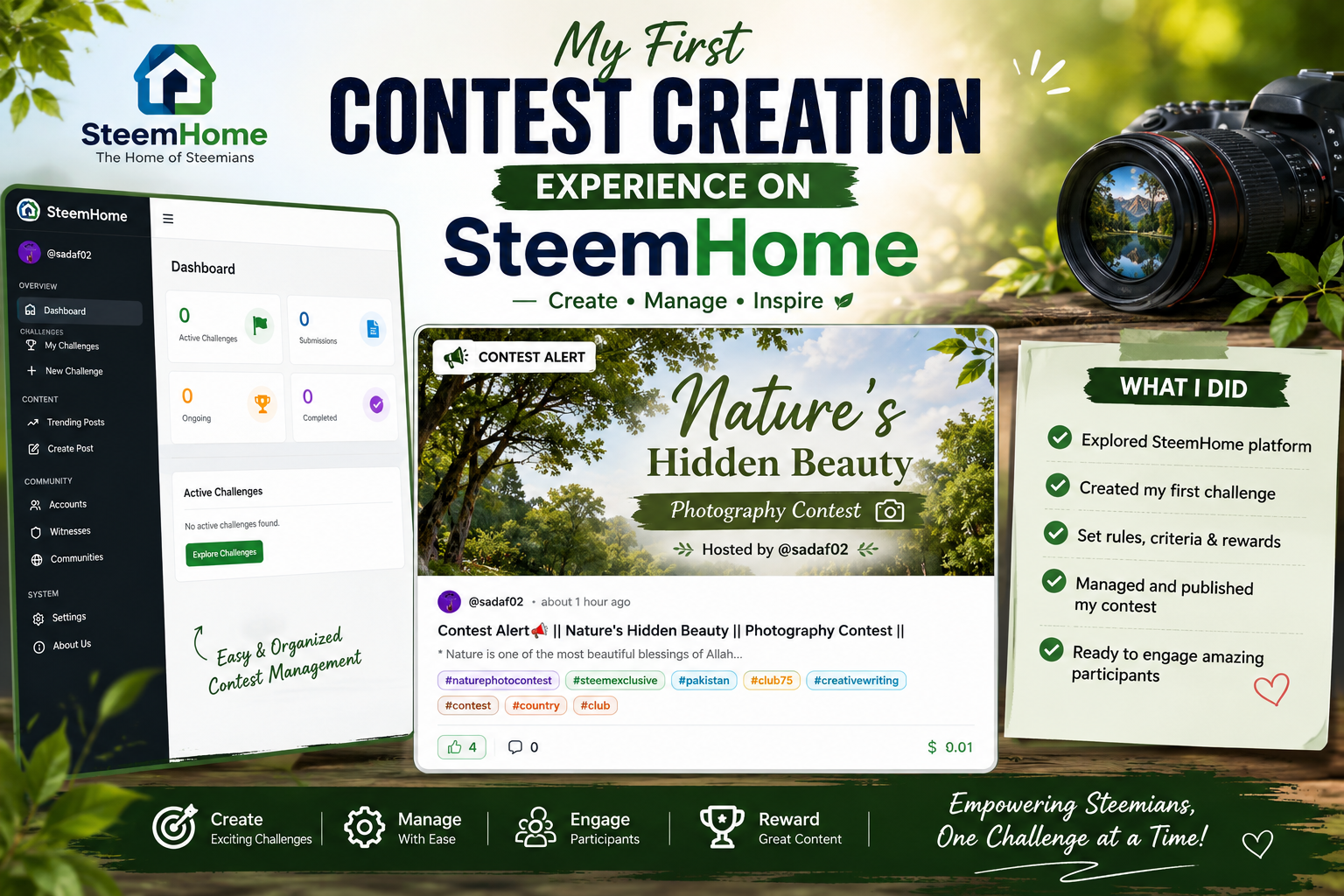
Thumbnail Photo
Assalam-O-Alaikum! |
|---|
For this challenge I create a photography contest. This is titled "Nature's Hidden Beauty Photography Contest". I made this with the aim of highlighting the beauty in nature through photographs.
So guys In this post I will share with you all my complete experience, Contest Creation Process, Different Settings, Evaluation System and SteemHome.
My Challenge |
|---|
I create the following challenge on SteemHome:
- Contest Alert 📢 || Nature's Hidden Beauty || Photography Contest ||
Challenge Link: Contest Alert📢 || Nature's Hidden Beauty || Photography Contest ||
Login experience on SteemHome |
|---|
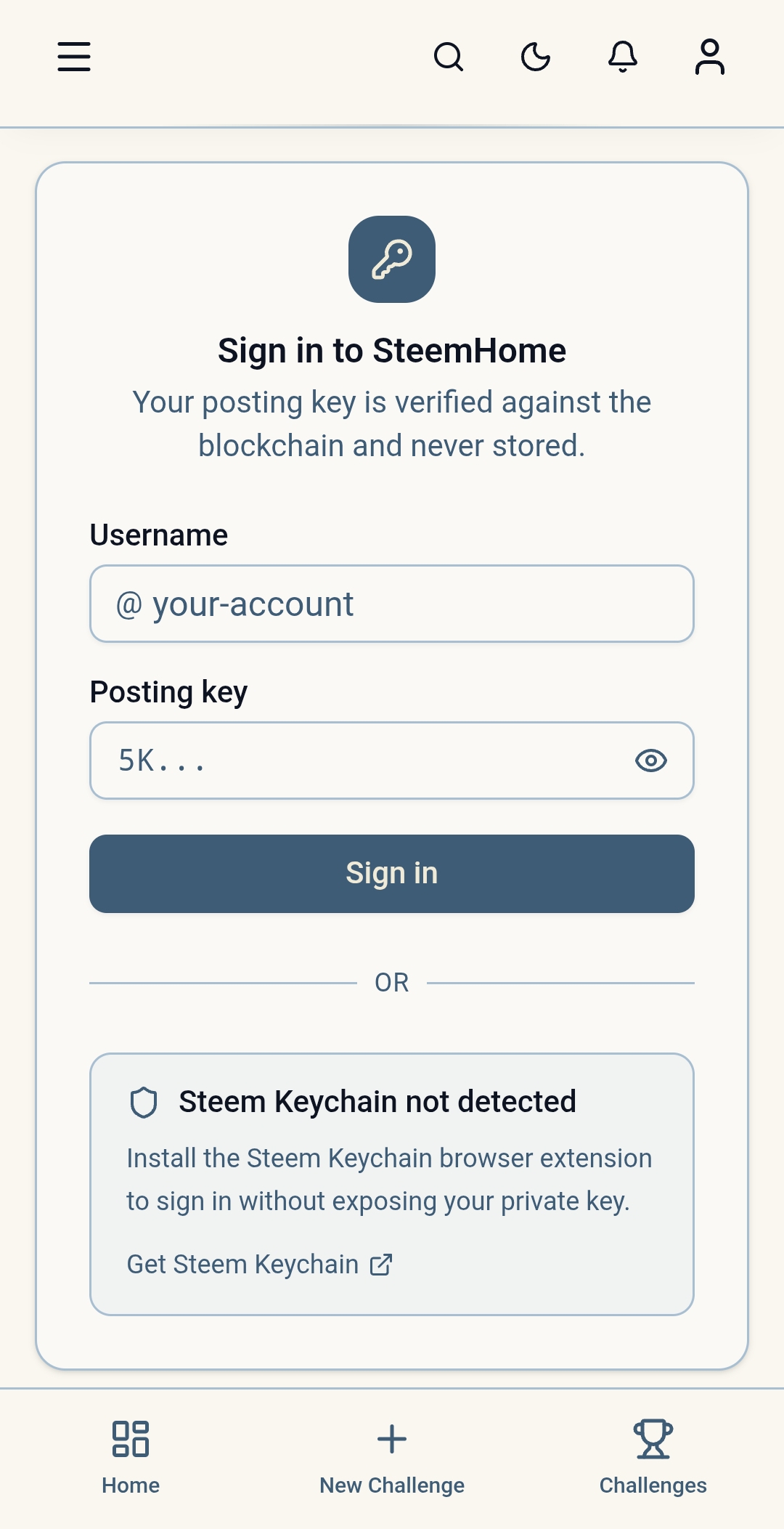
First I login to SteemHome guys. I had to the use Posting Key during Login through which my account got connected successfully. Initially I felt a little confused during login. Then after connecting the account all the features started to be used easily.
Overview of the Dashboard |
|---|
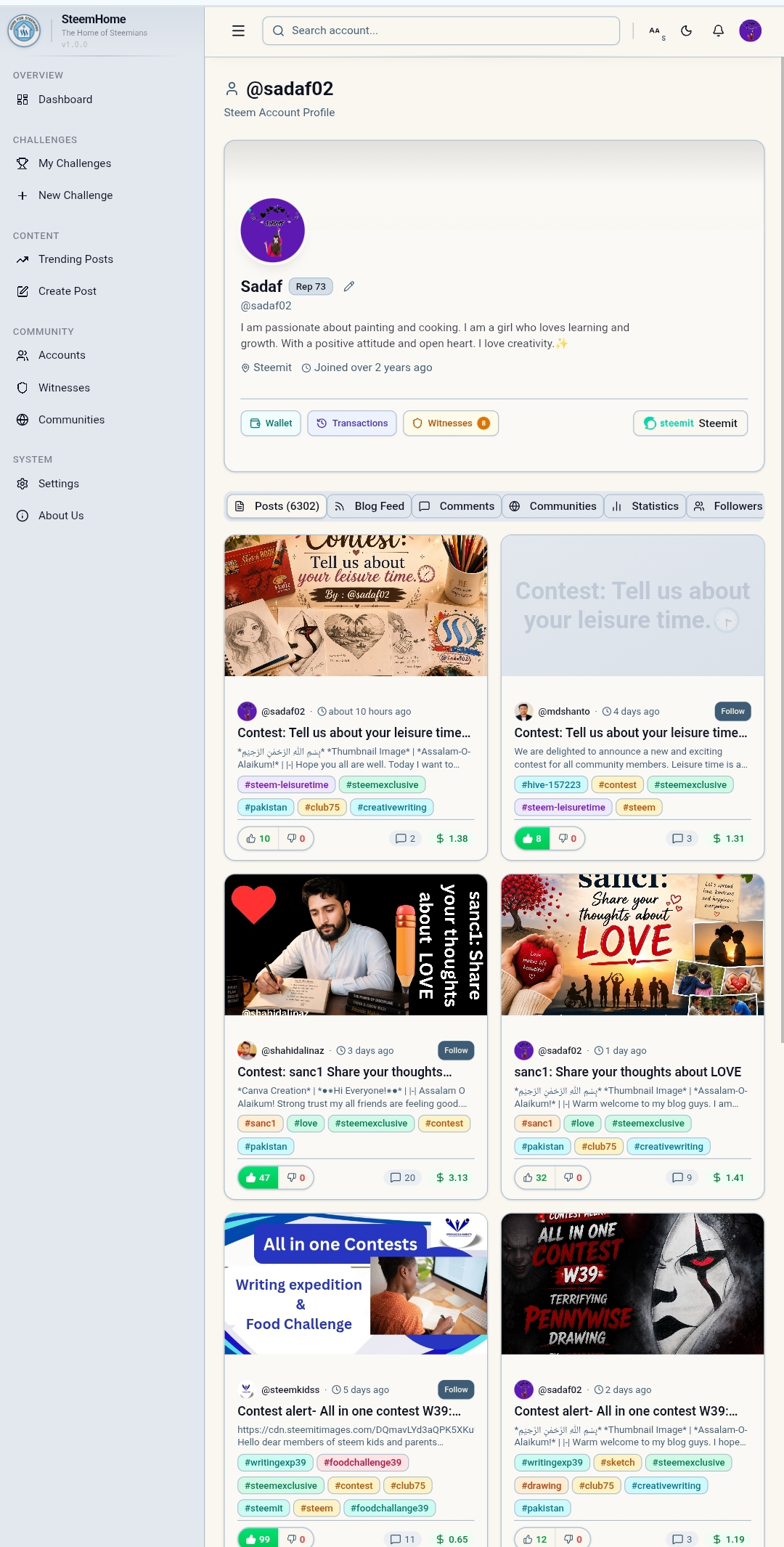
After login, SteemHome dashboard appeared in front of me. Dashboard felt quite organized and informative. There were various Challenges, Categories, Search Option and other important tools. This made it easy to understand the platform guys. I especially like that all the necessary options available in one place.
 |
|---|
 |
|---|
Creating Your Contest |
|---|
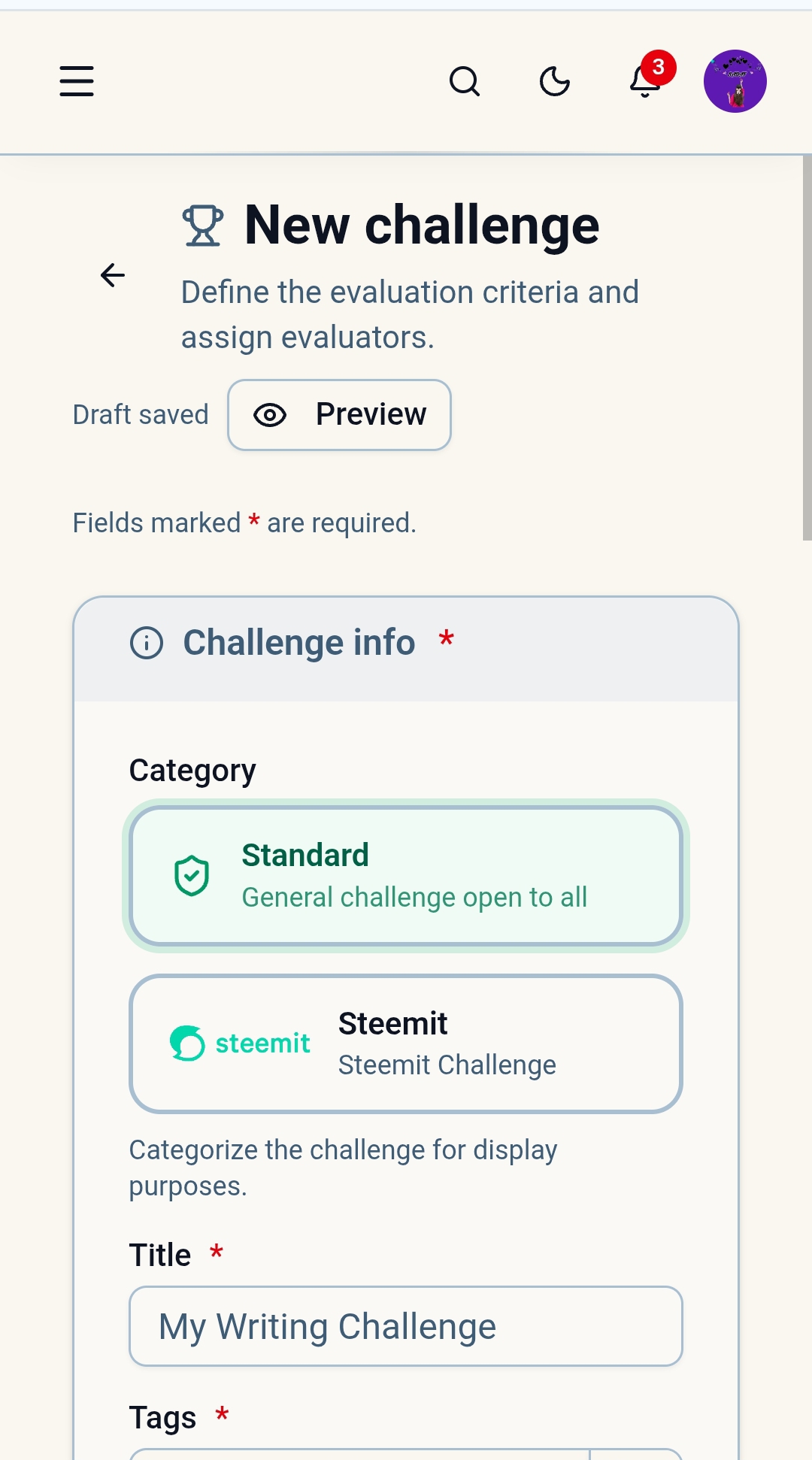
After exploring the dashboard. I decided to create my own challenge. Since I love Photography. I chose the theme of Nature Photography. I titled the Contest : Nature's Hidden Beauty Photography Contest. My aim is that the participants present the beautiful scenes and natural beauty of nature through their photographs. They express their photography skills.
Contest Information and Configuration |
|---|
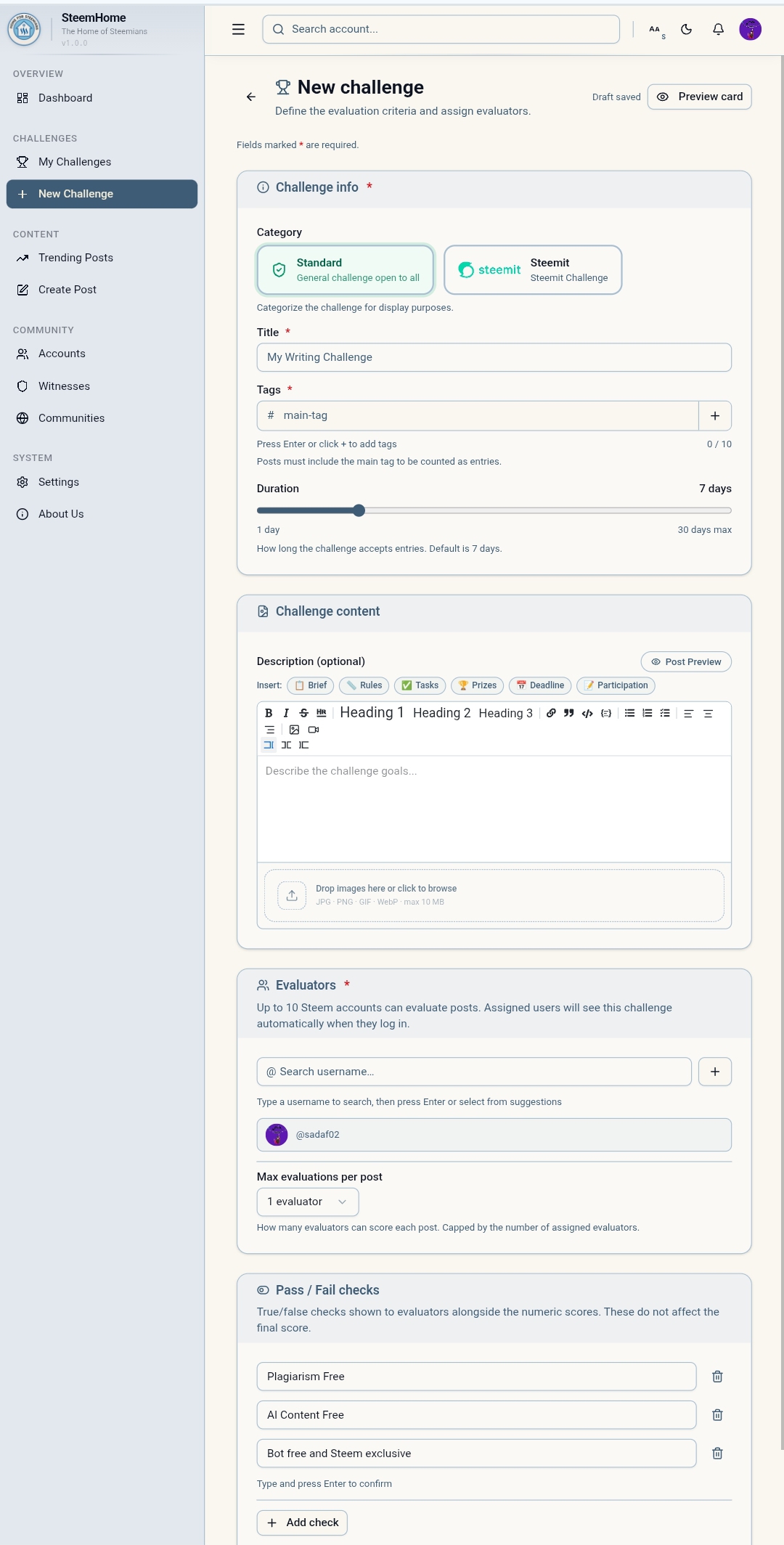
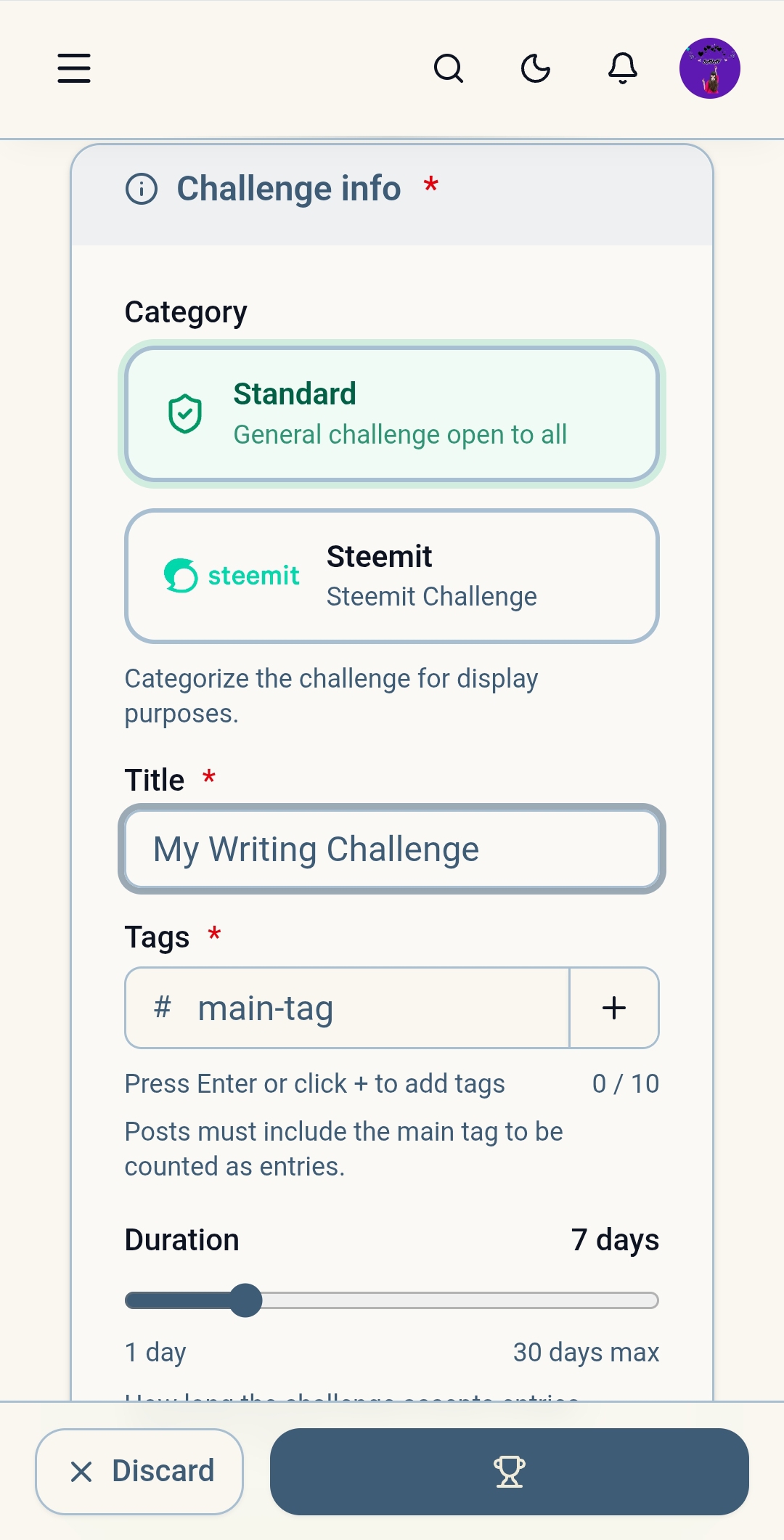
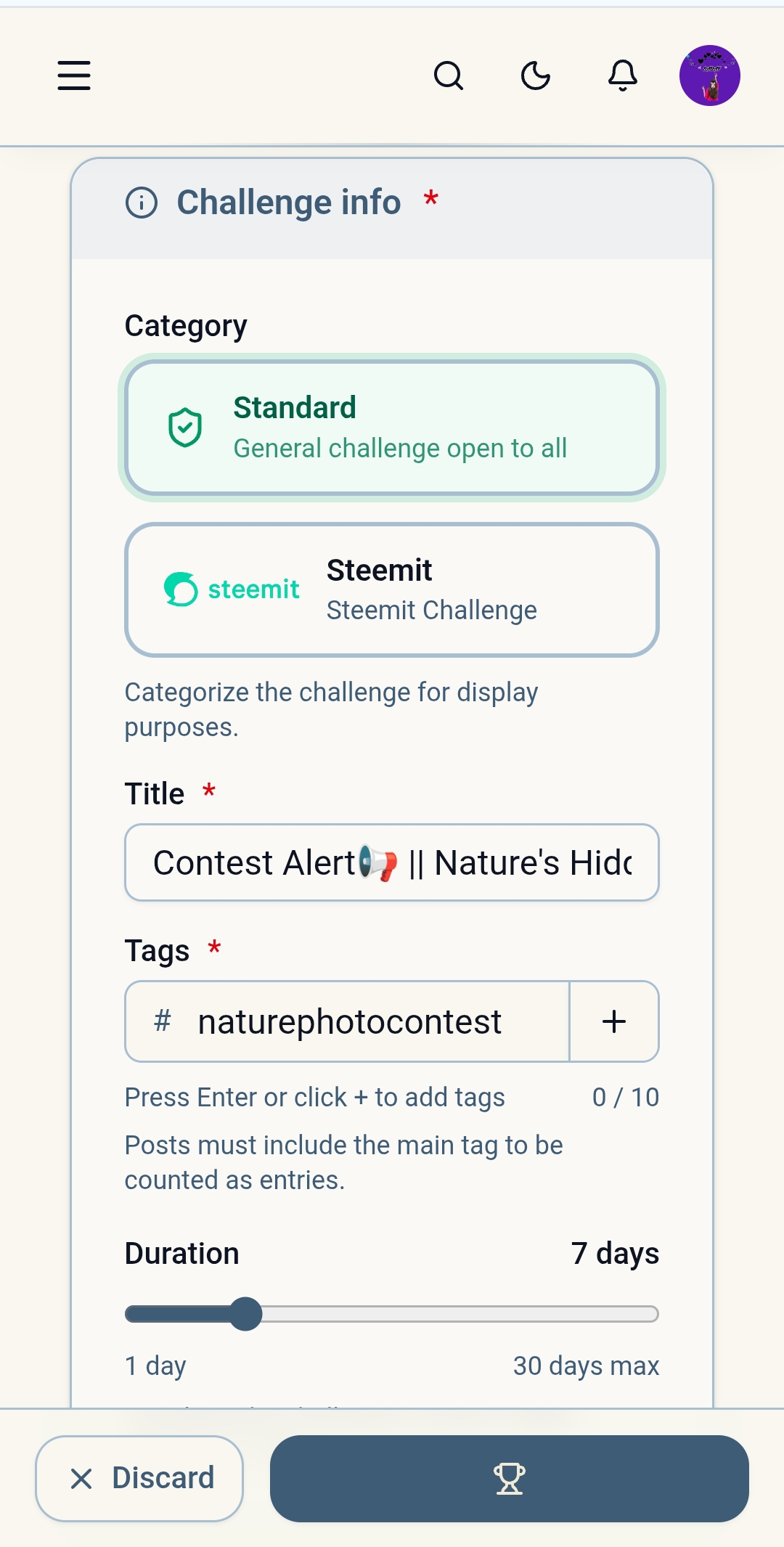
In this step I added the Contest Title Description and other necessary information. SteemHome's interface is simple enough that it wasn't too difficult to understand. I complete the various settings.I have tried to make all the instructions of the contest clear. So that the participants do not face any difficulty.
 |
|---|
 |
|---|
Contest Rules and Guidelines |
|---|
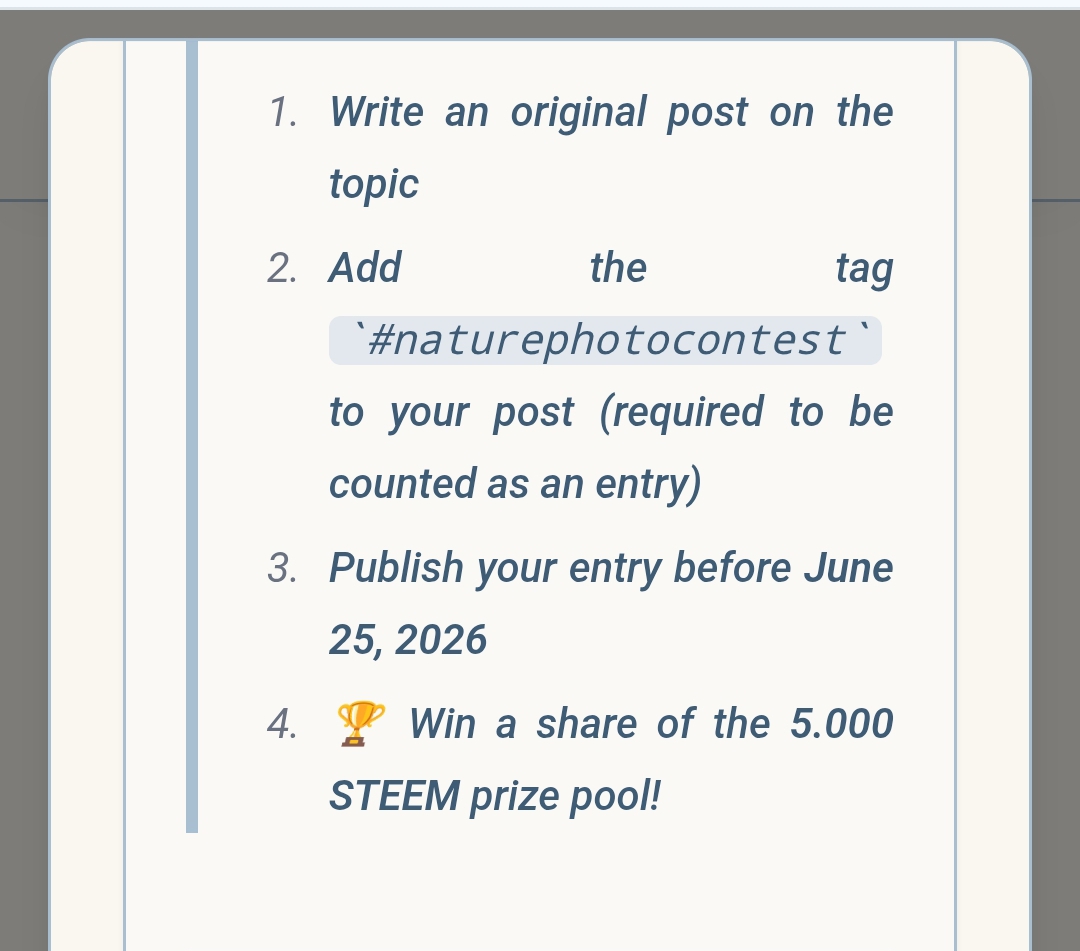
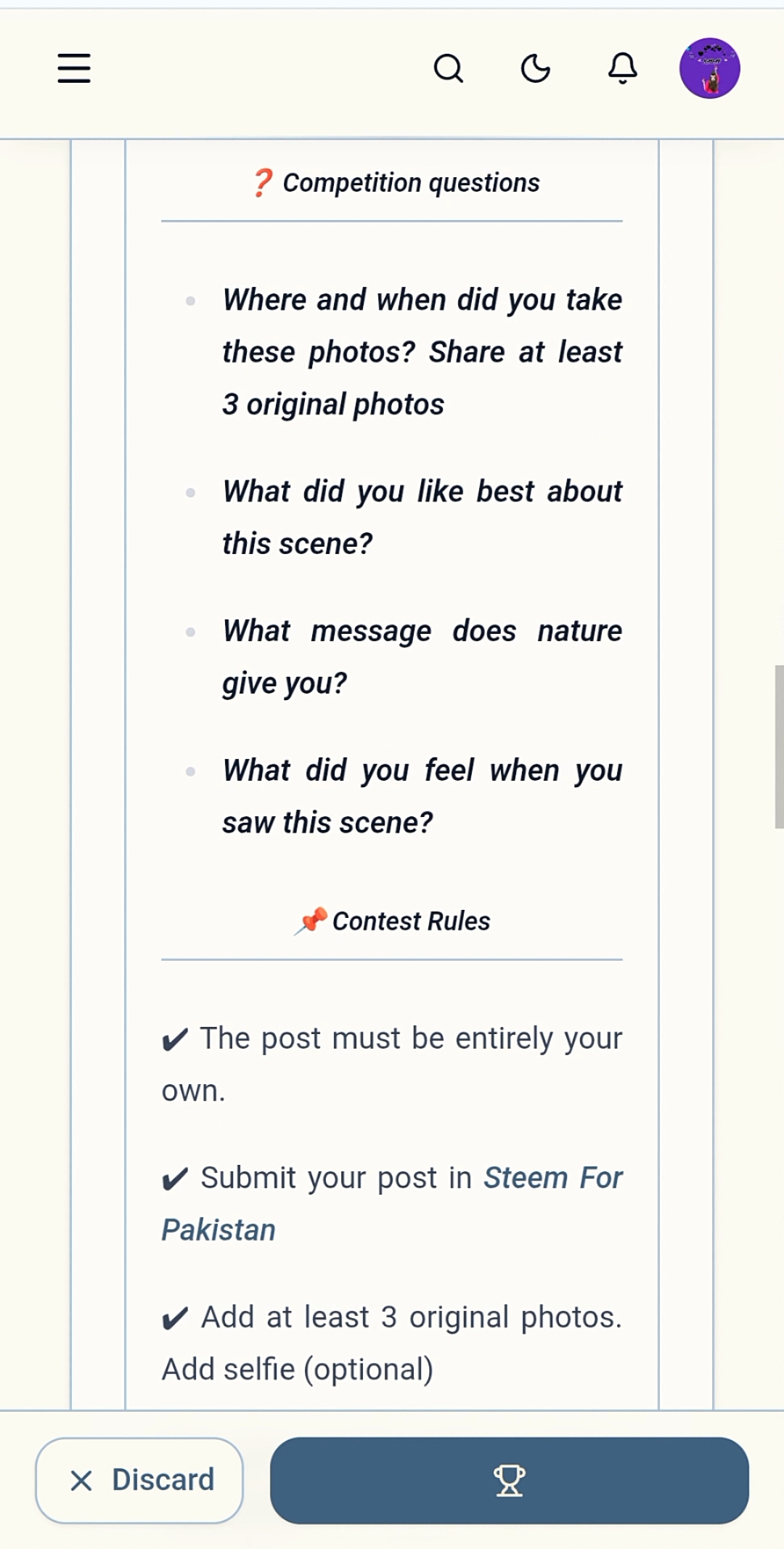
Clear rules are essential for the success of any contest. That is why I add rules for the contest to maintain a level playing field for all participants guys. The clear rules play important role in keeping the contest organized. Also maintaining the standards guys.
Selection of Contest Tags |
|---|
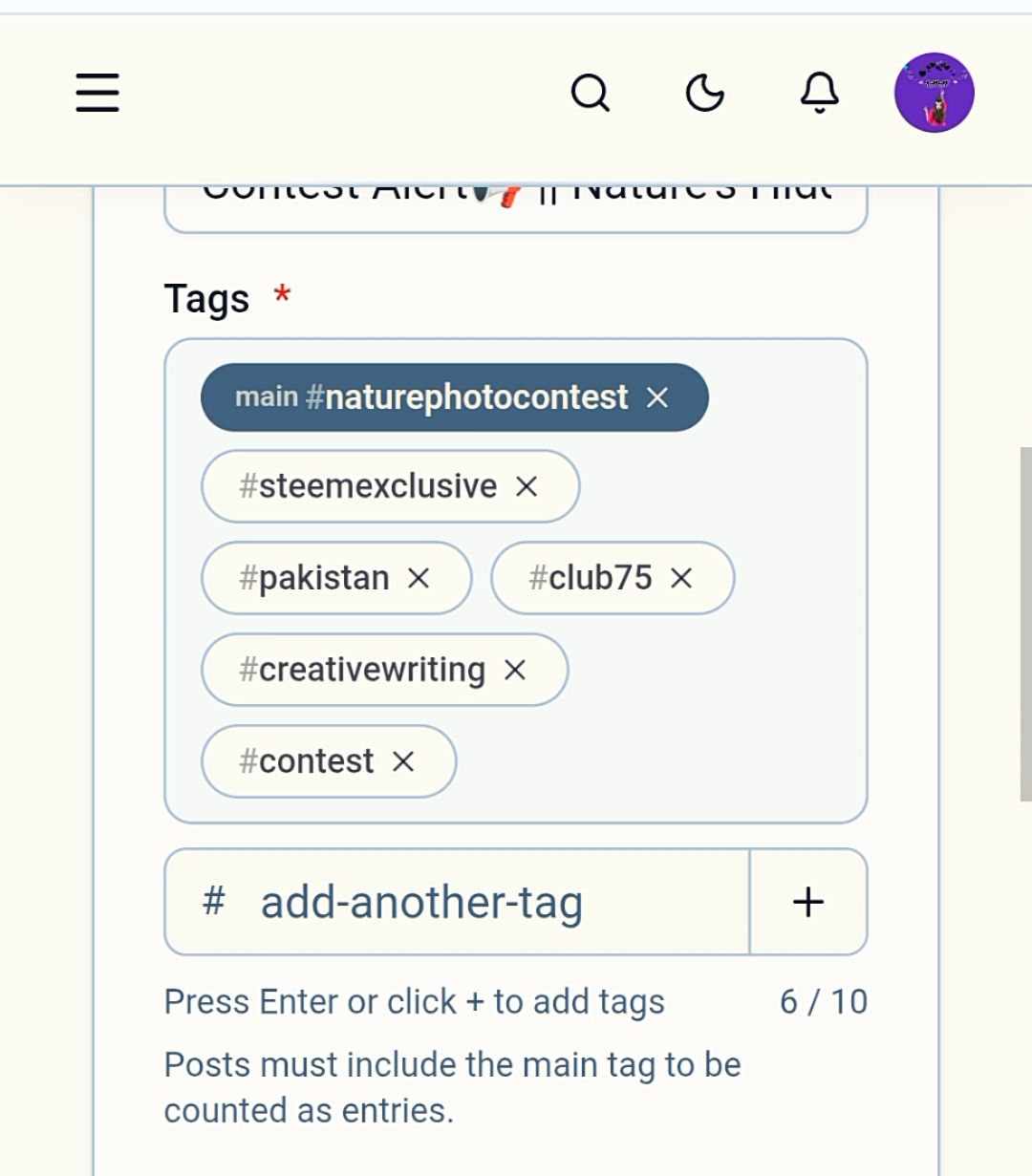
In this step I select the appropriate tags related to the contest. The right tags help to increase the visibility of the contest. It play an important role in bringing the contest to more users.
Setting Evaluation Criteria |
|---|
I found the most interesting feature of SteemHome to be the Evaluation Criteria.I set the following criteria for the contest:
Creativity — 4 marks
Photo Quality — 3 marks
Beauty of Nature — 3 marks
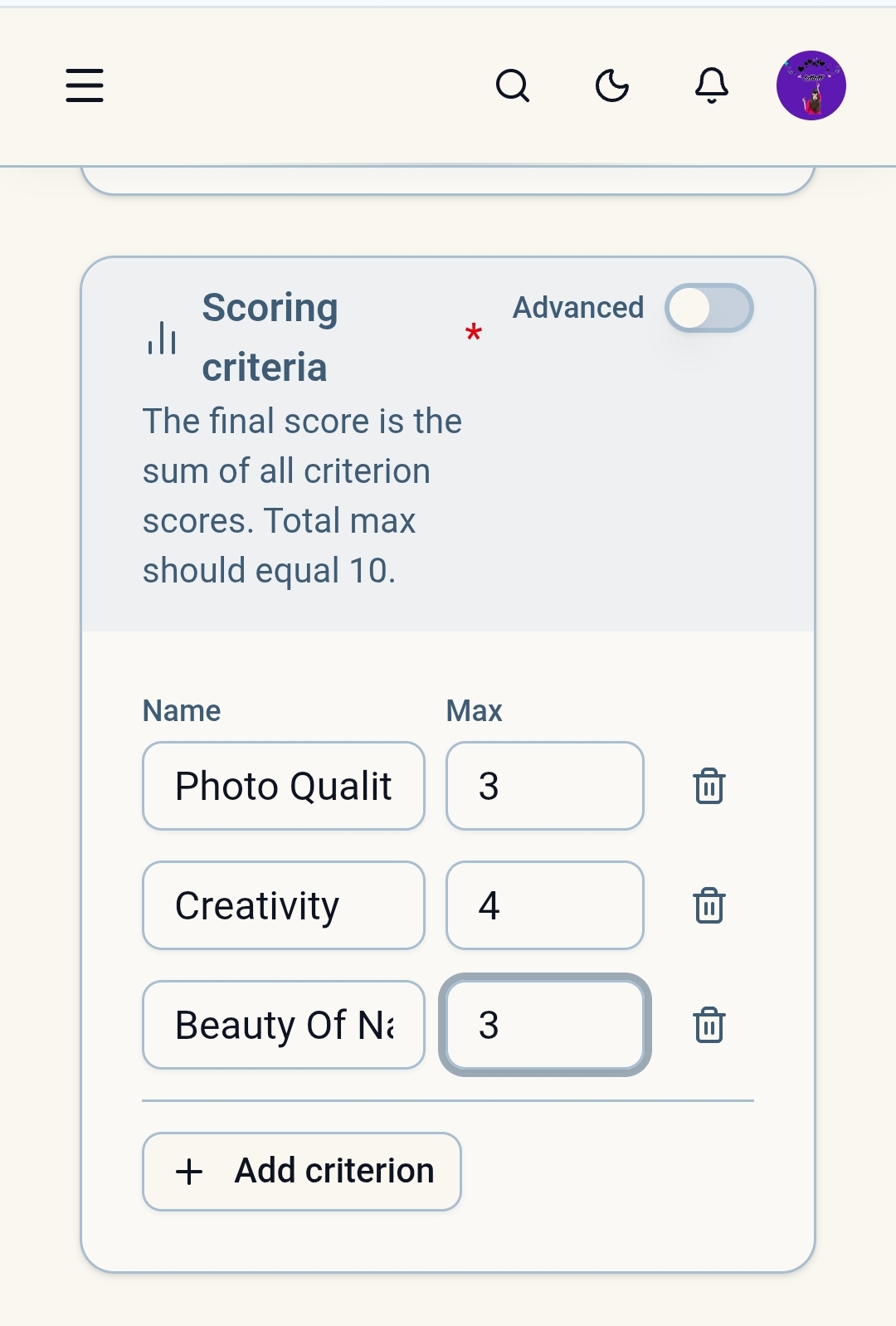
Thus the total score consisted of 10 Marks.I like this feature because it makes evaluation more organized and transparent. This makes the decision making easier for the Contest Host.
Pass / Fail Checks |
|---|
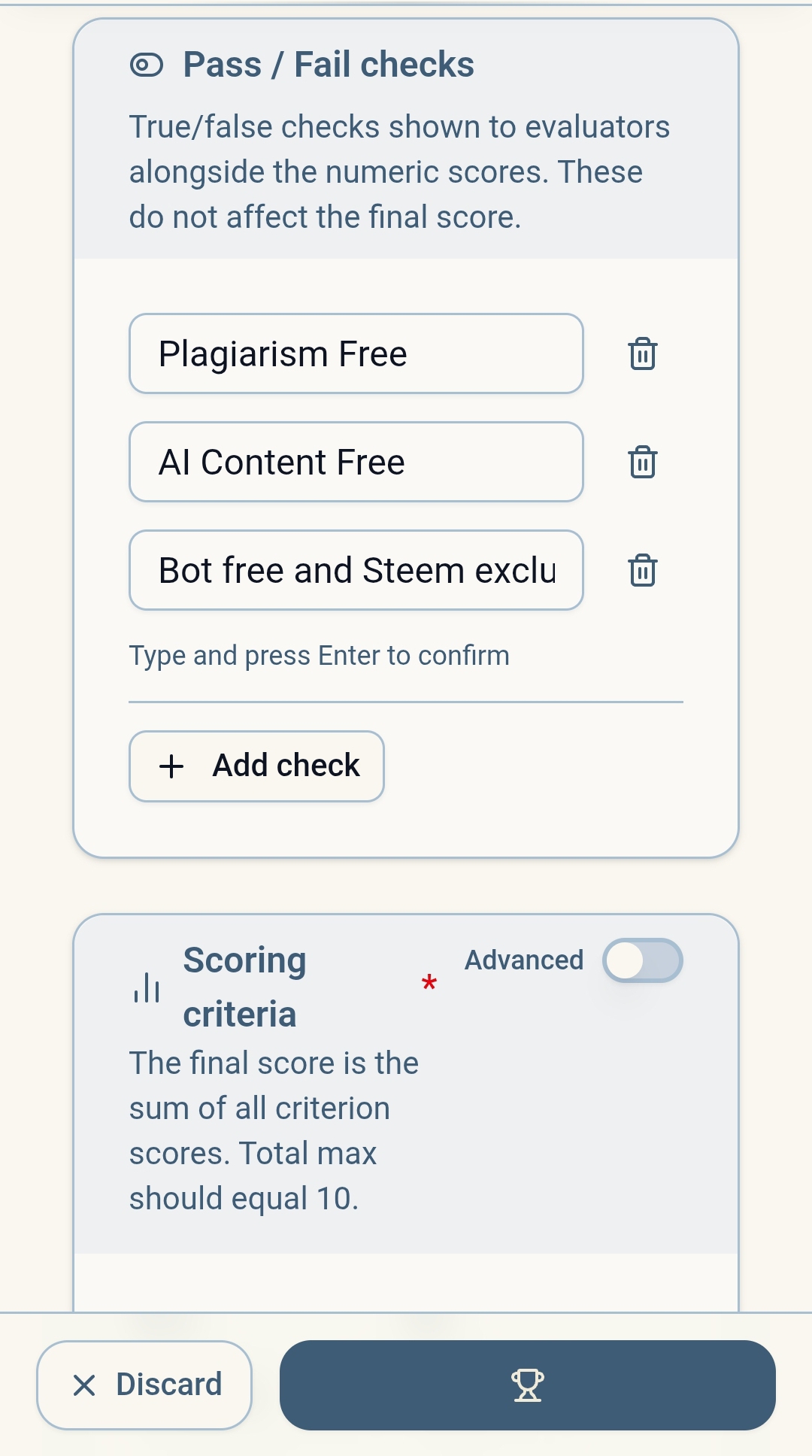
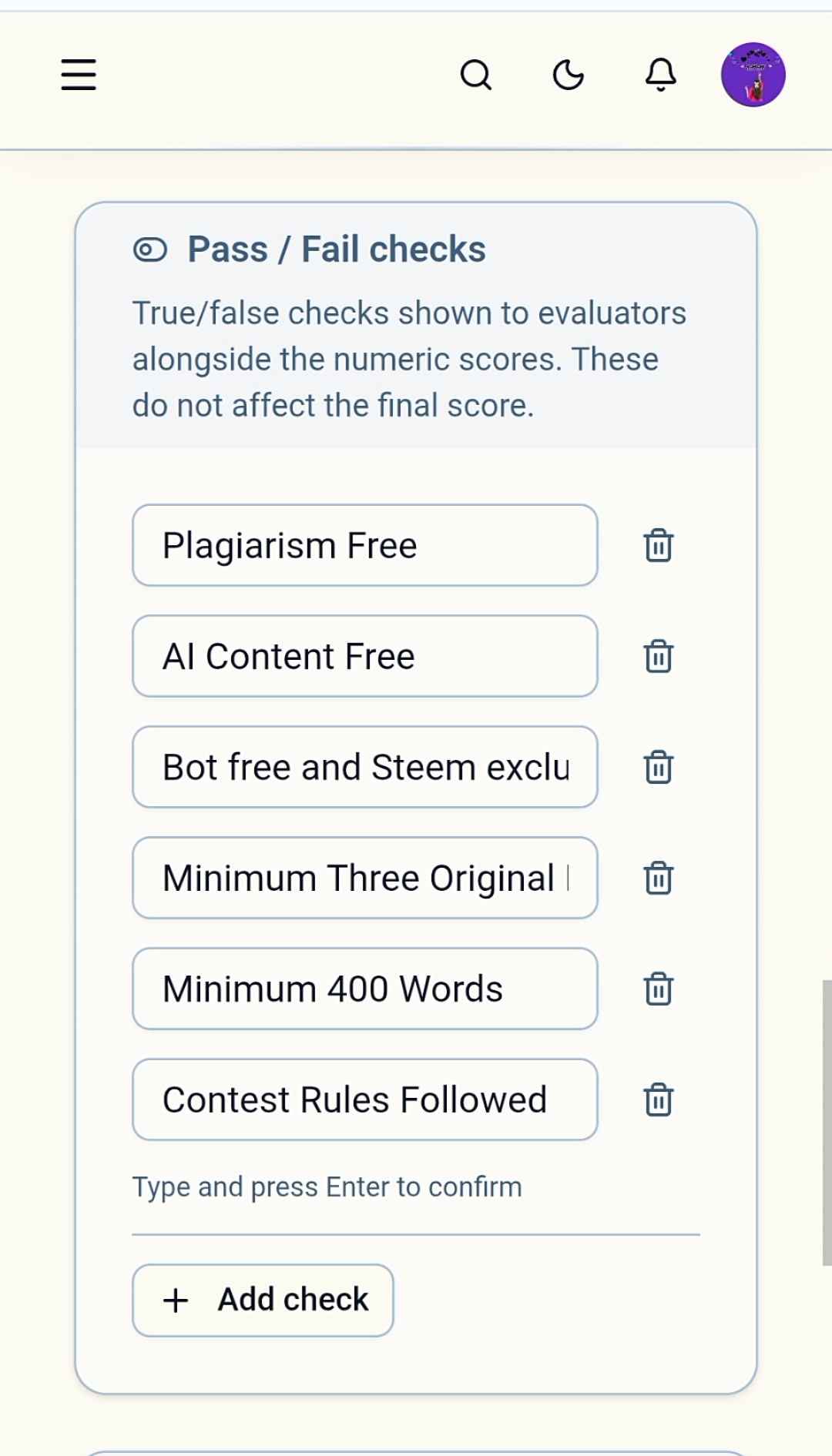
I also added Pass/Fail Checks to maintain Contest quality.The purpose of these checks was to ensure that only genuine and compliant Entries are accepted.I added the following basic conditions:
Plagiarism Free
AI Free
Original Content
Contest Rules Followed
This feature makes contest management more professional.
 |
|---|
 |
|---|
Prize Configuration |
|---|
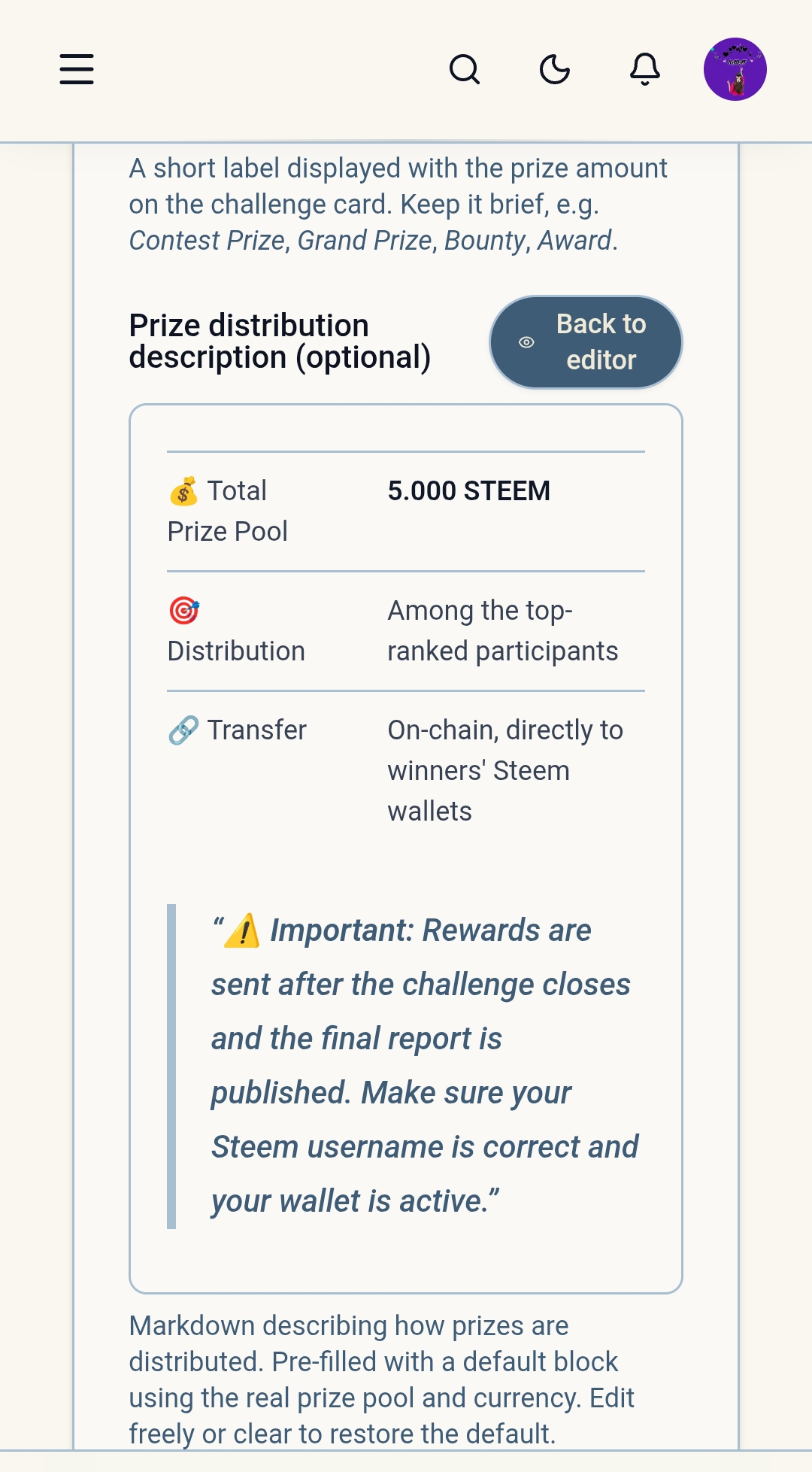
In this step I completed the Reward Configuration for the Contest.The prize section was quite simple and user friendly which made the reward setup very easy. Host can set the Prize Structure as per their requirement.
Challenge Preview |
|---|
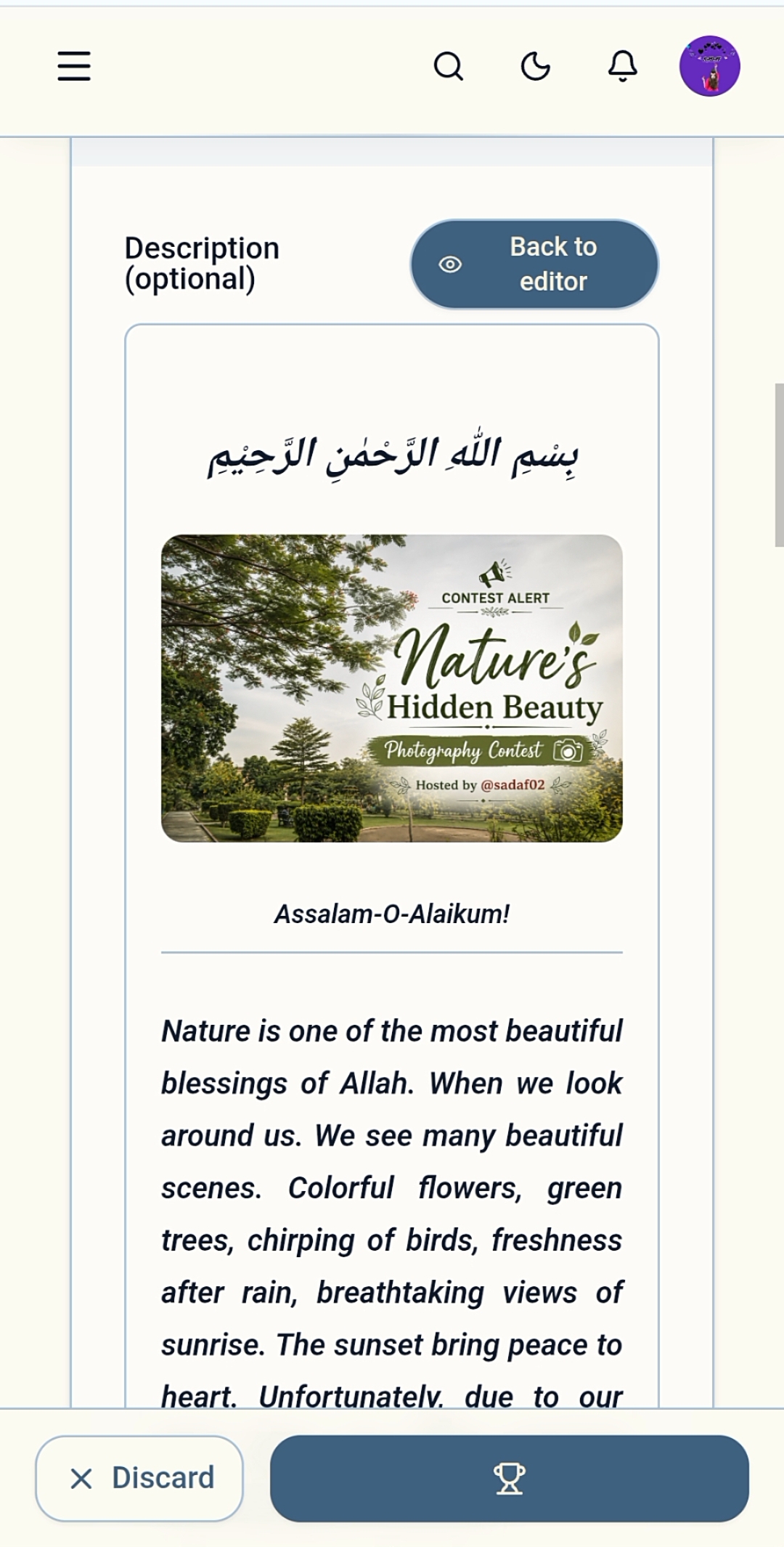
Before publishing I reviewed the Challenge Preview to confirm that all information was correct.The Preview Option proved to be quite useful as it allowed to see the complete look of the Contest before it was published.
 |
|---|
 |
|---|
Publish the Contest |
|---|
After completing all the settings. I published my contest.I was very happy when my challenge was successfully published because it was my first contest on SteemHome.
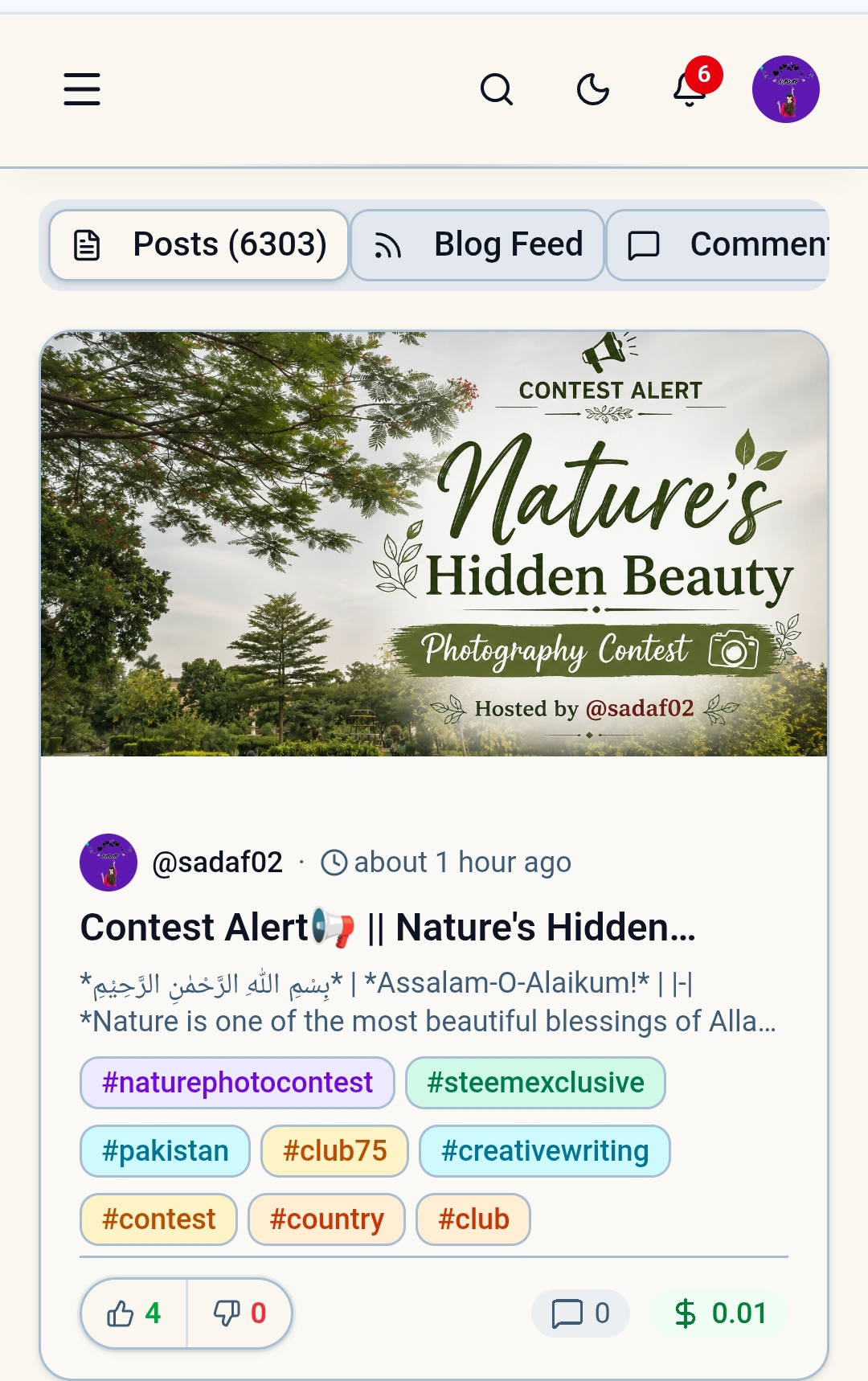
After publishing, I rechecked my contest to make sure all information was displayed correctly.At first I was a bit confused as some information was also showing up automatically after publishing, but later found out that this is part of SteemHome's Contest Management System which organizes contest information.
Participant Management and Monitoring |
|---|
One of the main advantages of SteemHome is Participant Management.In the traditional way, it can take a lot of time for the Contest Host to find and keep track of the Entries, but SteemHome makes the whole process quite simple.With the help of this feature, the Contest Host can easily track the Participants and evaluate them later.
Video Walkthrough |
|---|
I've also created a full video walkthrough of my Challenge Creation Process including Dashboard Navigation, Contest Settings, Evaluation Criteria, Pass/Fail Checks, Prize Configuration and an overview of the Published Challenge.I think the Video Demonstration is a great way for new users to understand SteemHome as it becomes easier to learn through practical examples.
Video:
My opinion and suggestions about SteemHome |
|---|
After this whole experience in my opinion SteemHome is a useful, organized and easy platform for contest management.I particularly liked the following:
- User Friendly Interface
- Structured Evaluation System
- Easy Challenge Creation
- Process Participant
- Tracking System Organized
- Contest Management
In my opinion SteemHome makes contest management quite easy. It can be helpful for new hosts as well.User experience can be improved if the Mobile Interface is further improved.
Contest Statistics are made more detailed and more information is added to the Preview Section.
Concluding remarks |
|---|
This was my first Contest Creation Experience on SteemHome and overall it turned out to be a learning and interesting experience for me. Although it took me a while to understand a few things at first. After using the platform. I realized that it makes contest creation and management quite easy.
The best thing about this platform is that Contest Creation, Participant Management and Evaluation System are available at one place which makes the job of Contest Host very easy.
I thank the SteemHome Team especially @kouba01 sir who gave us the opportunity to use and learn this platform through this challenge.
This is my Contest Entry for Launch and Manage Exciting Contests on SteemHome. Thank you all so much for reading my post.
Thank you so much my dear steemians for taking the time to read and engage with my post. Guys your interest and support encourage me to keep sharing and creating with even more passion. Thank you guys once again for being part of my journey.
Remember me in your prayers! |
|---|
Take care of yourself! |
|---|

Special Thanks To : |
|---|
Warm Regards : |
|---|