PrimeShot – Built to Make Capture Effortless
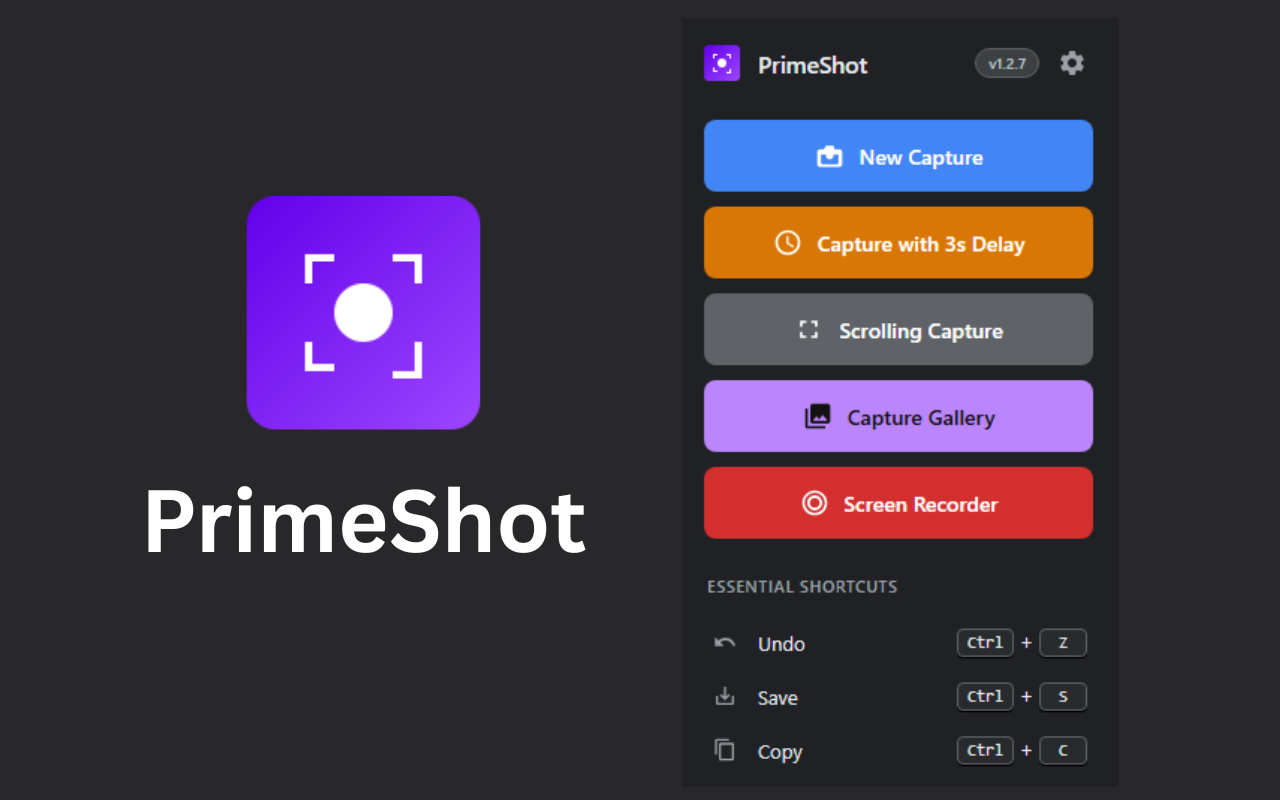
Hi there, I built PrimeShot weeks ago because I was tired of switching between different tools just to capture, edit, and share something simple.
The idea was straightforward: everything in one place, without making it complicated.
With PrimeShot, you can capture anything the way you want selected area, full screen, or even scrolling pages. Screen recording is already built in, so there’s no need for extra software. And one thing I made sure of is keeping a screenshot history, so you never lose what you’ve captured. You can always go back and reuse it.
There’s also delay capture, which sounds small, but it’s actually really useful when you need a moment to prepare before taking a shot.
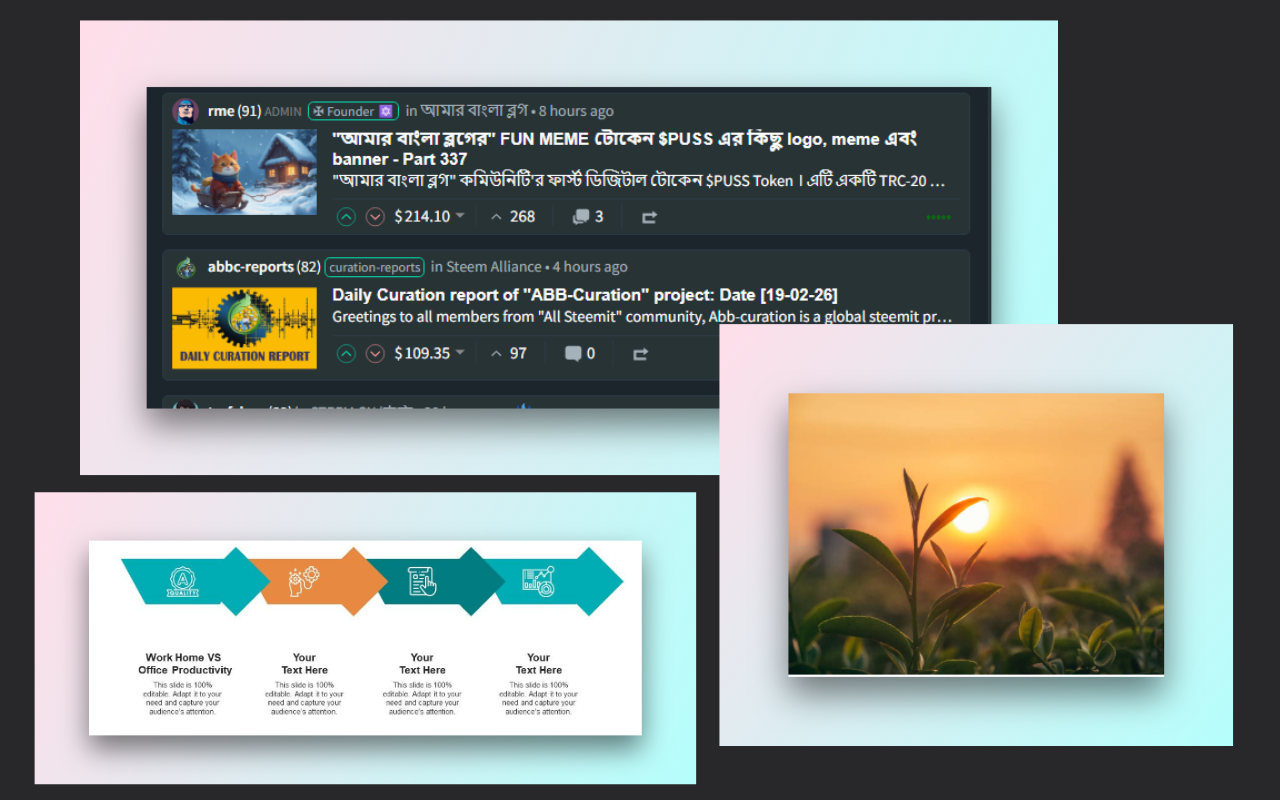
Editing was a big focus. I wanted it to feel fast and natural add arrows, draw, highlight, or annotate without digging through menus. If you’re sharing something sensitive, you can quickly blur or pixelate it before sending it out.
I also added OCR because I personally needed it being able to grab text from images or locked content saves a lot of time.
For people who create tutorials, the step counter makes things easier by automatically adding numbered steps. And if you care about how your screenshots look, the beautify option helps make them clean and presentation-ready without extra effort.
Sharing is just as simple copy, save in different formats, or upload instantly to get a link.
At the end of the day, I didn’t want to build just another screenshot tool. I wanted something I would actually use daily fast, clean, and practical.
That’s what PrimeShot is.
You will find it in the chrome extension store: https://chromewebstore.google.com/detail/primeshot-screenshot-anno/okdpmcgckaekofmhmbindipdedcmfgka
Best Regards
@dhaka.witness
Thanks for supporting us.
A useful tool, thanks a lot! Does it always capture the entire visible area or did I miss something?
As for the screenshot it captures any selected area from the screen. And for the screen recording it can capture any screens in the opened desktop. You can save it as gif or mp4 video.
there is also beautify mode where every screenshot images can have custom frames.
Amazing work it was the need of hour to take screenshots easy way and to edit them at one place.
Thanks!
Thank you very much for the extension. I checked it — everything works. You can even automatically save videos as GIFs. I don't use these kinds of features that often, but when I do, I usually have to dig around on different websites. Here, everything is conveniently in one extension. I've left a rating and review in the store.
Thanks a lot!
Any chance you could increase your Delegations to @upex ?